What Is a broker account number and how to find it?
A broker account number is a unique identifier assigned to your investment account by a brokerage firm. It works much like a bank account number—helping the brokerage track your assets, transactions, and account activity securely.
1. What is a Broker Account Number?
When you open an account with a brokerage, you’re given a specific number that identifies your account within that firm’s system. This number is used for:
- Executing trades (stocks, bonds, ETFs, etc.)
- Transferring funds or securities
- Verifying your identity when contacting customer support
Each account you open will typically have its own unique number.
2. Where to find your Broker Account Number?
You can usually locate your account number in several places:
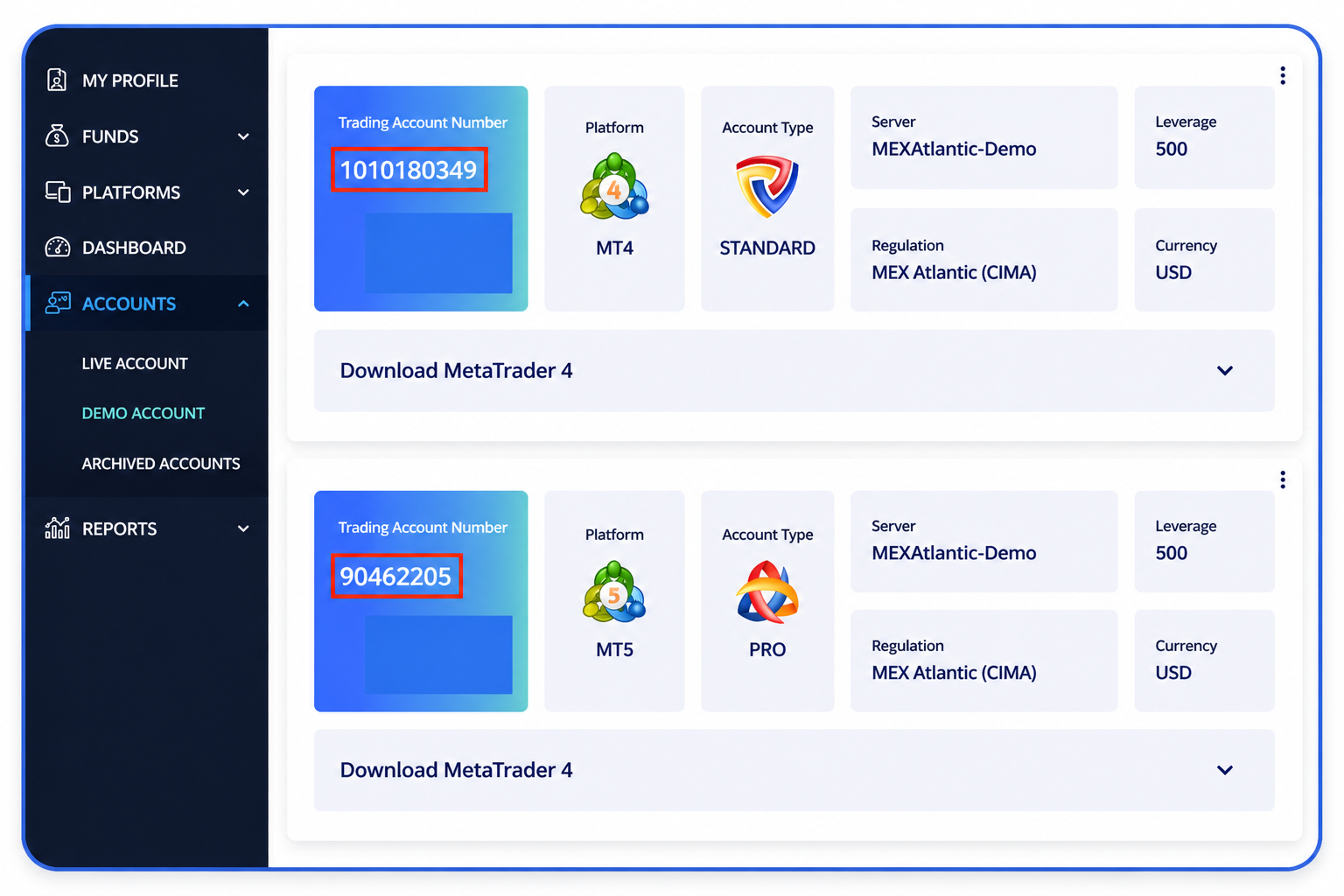
1. Account Dashboard
1. Account Dashboard
Log in to your brokerage platform (web or mobile app).
- Look under sections like “Account Details,” “Profile,” or “Portfolio.”
- The account number is often displayed near your account name.
2. Account Statements
Your monthly or quarterly statements will clearly list your account number, usually at the top of the document.
3. Confirmation Emails
When you first open your account, the brokerage typically sends a welcome or confirmation email that includes your account number.
4. Tax Documents
Forms such as annual tax statements or transaction summaries often display your account number.
5. Customer Support
If you cannot locate it, contact your brokerage’s support team. They may verify your identity before sharing the number.
 Use strong passwords and enable two-factor authentication on your brokerage account
Summary
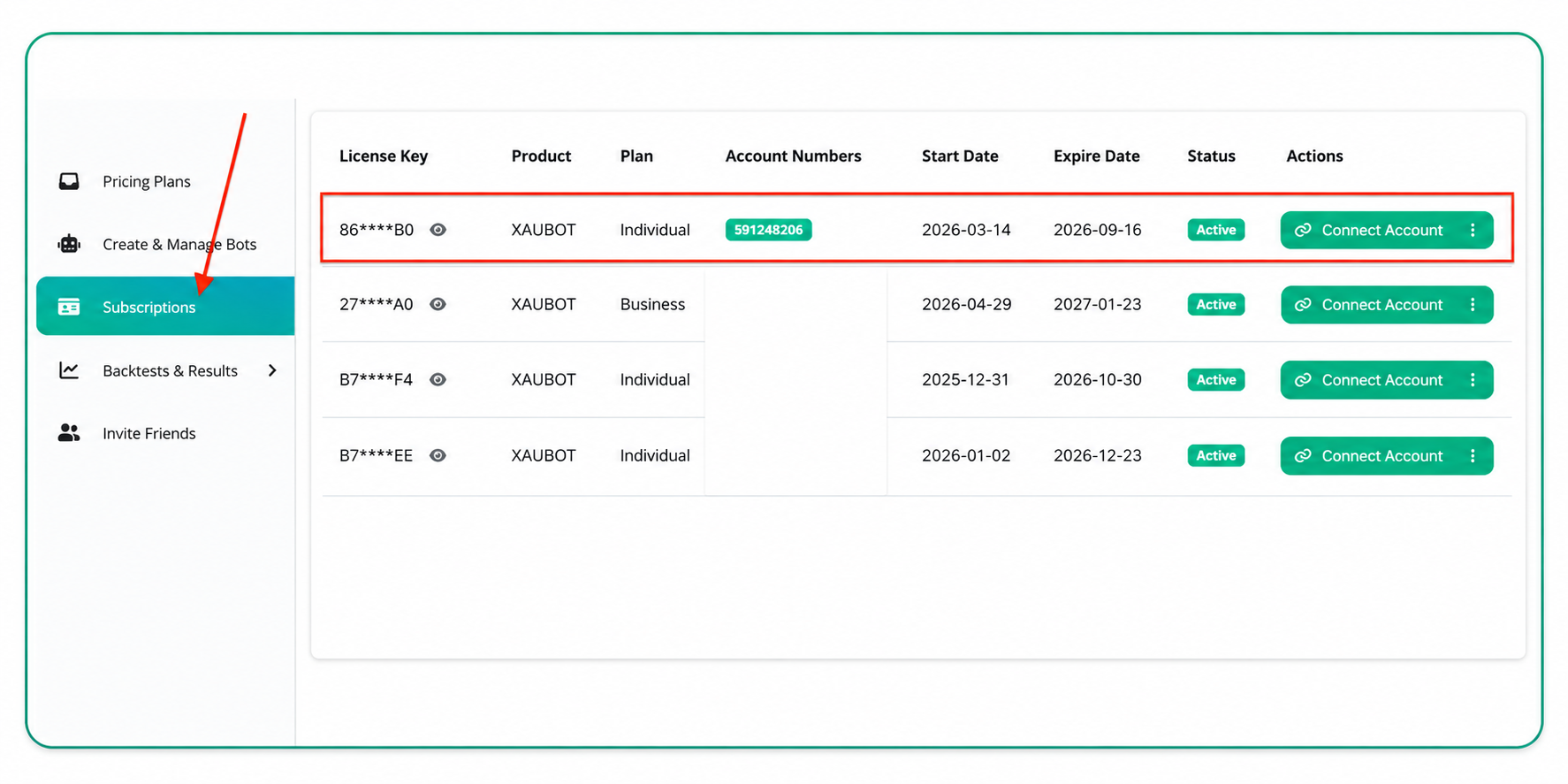
Your broker account number is required to link your XAUBOT license key. You can easily find it in your brokerage platform or within your official account documents.
 Ready to automate your trade? Start your free trial!
Ready to automate your trade? Start your free trial!
Related Articles
How to connect my broker account to my license?
Learn how to connect your broker account number to your license key after registering for your preferred plan. 1. Open Subscriptions Accessing the subscriptions page Go to the “Subscriptions” page using the left-hand menu in your dashboard Once you ...How to update my account numbers in XAUBOT?
Learn how to update your broker account numbers connected to your license key and use your license key on another broker account. 1. Open Subscriptions Accessing the subscriptions page Go to the “Subscriptions” page using the left-hand menu in your ...What is the XAUBOT license key?
Learn what is the XAUBOT license key and where you can find it to use in your bot settings. 1. What is a License Key? A license key is a unique code used to activate and verify your software or trading bot . It confirms that you have a valid ...Available subscription plans
If you're new to XAUBOT, welcome, and thank you for your interest in our software! You can create a free XAUBOT account using just your email address. After registering, you can activate a free trial to explore the platform and test different ...How to install my trading bot on MT5?
Learn how to install your created bot on MetaTrader 5 (MT5) step by step. 1. Download your bot After creating your first bot, you can review and download your bot files form the Create and Manage Bots page in your dashboard. Click the Action button ...